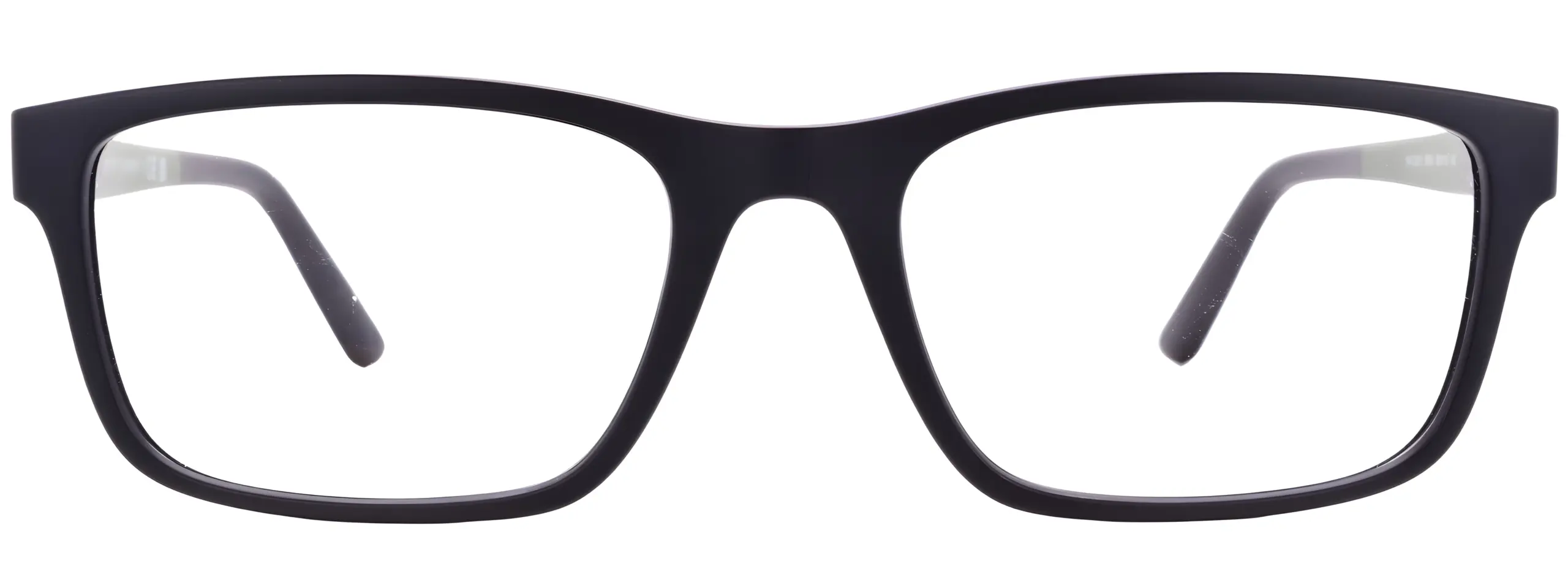
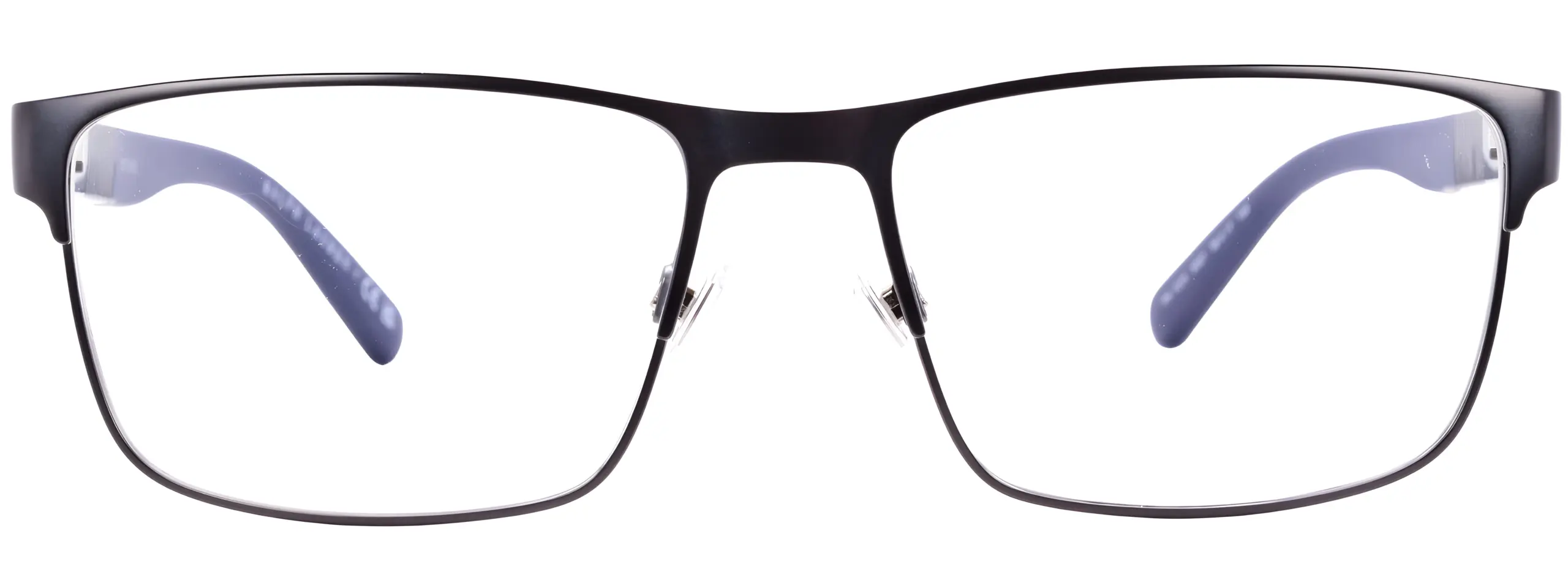
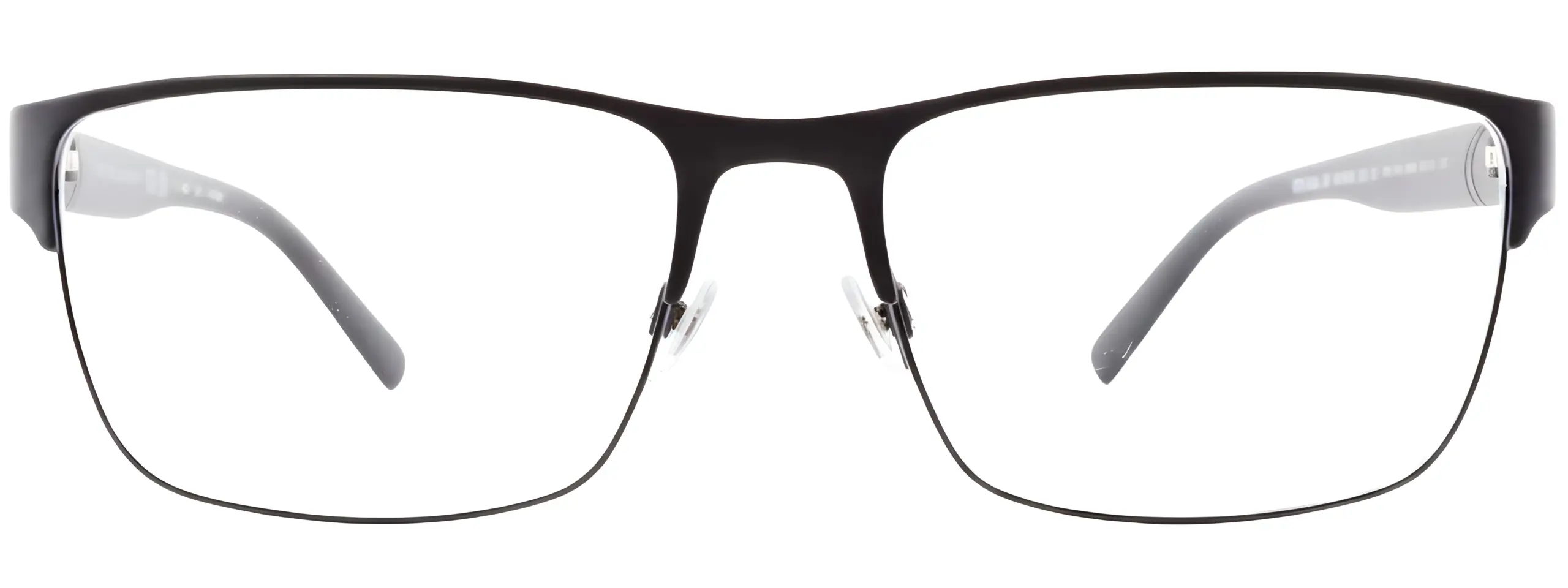
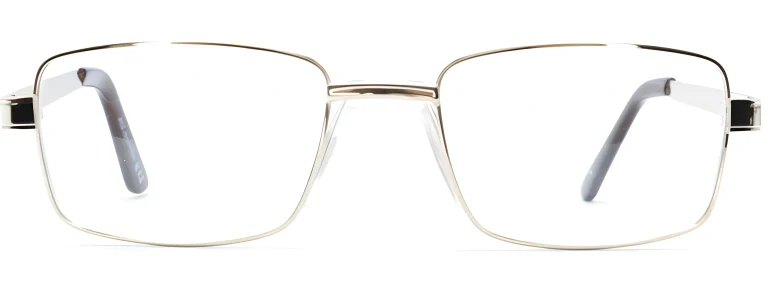

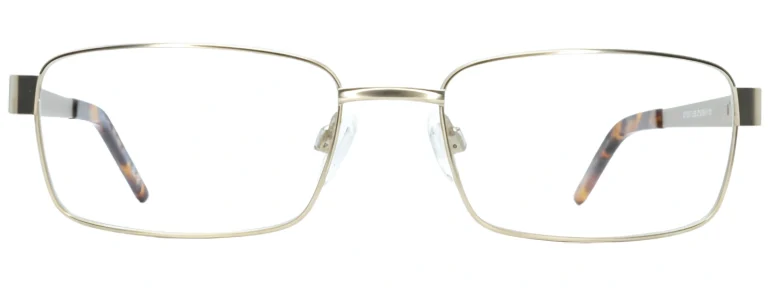




If your eyes feel tired, sore, or difficult to focus after a long day at a screen, you are not alone. Digital eye strain is one of the most common eye complaints in the UK — and it is highly manageable with the right steps.
Digital eye strain — also known as Computer Vision Syndrome (CVS) — is not a single condition but a cluster of eye and vision symptoms that arise from prolonged use of computers, tablets, smartphones, and other digital devices. The American Optometric Association defines it as a group of conditions arising from screen use, with discomfort levels that generally increase with the amount of time spent in front of a screen.
It is important to understand that digital eye strain does not cause permanent damage to the eyes. According to Optical Express, there is no evidence that the syndrome causes long-term sight problems — but the symptoms can be uncomfortable enough to affect your daily work, concentration, and quality of life if left unaddressed. This guide explains what is happening, how to recognise the symptoms, and what you can do about it — including why keeping your prescription glasses up to date matters more than many people realise.
Symptoms of Digital Eye Strain
CVS can present differently depending on the individual. The symptoms below are the most commonly reported:
Sore or burning eyes. The muscles controlling focus and eye movement become fatigued after long stretches of concentrated screen use.
Blurred or double vision. Difficulty maintaining sharp focus after hours at a screen. Some people notice distance vision feels briefly blurred after they stop.
Headaches. Often felt across the forehead or behind the eyes, and frequently worse towards the end of the day.
Dry or irritated eyes. Blink rate falls significantly during screen use — in one study of 104 office workers, from 22 blinks per minute at rest to around 7 during computer use.
Neck and shoulder pain. Poor posture or an awkward screen position contributes to musculoskeletal tension that commonly accompanies eye strain.
Difficulty refocusing. The eye’s focusing mechanism can feel sluggish after being held at one distance for too long.
The severity of symptoms is generally related to how long you have been using a screen and whether there are aggravating factors — such as poor lighting, glare, an incorrect viewing distance, or an uncorrected or outdated prescription.
Why Screens Are Harder on the Eyes Than Print
Reading from a screen places greater demands on the visual system than reading from a printed page. Several factors contribute to this.
Reduced contrast and edge definition. Characters on a digital screen are formed from pixels and do not have the sharp, well-defined edges of printed text. This makes them slightly harder to read and requires the eye’s focusing system to work more continuously.
Glare and reflections. Light from windows, ceiling fixtures, and lamps reflects off screen surfaces. Your eyes constantly compensate for these competing light sources, which increases visual fatigue over time. Positioning your screen to avoid direct reflections — and reducing overhead lighting that is significantly brighter than your screen — can make a real difference.
Fixed focal distance. During typical screen use, your eyes are focused at the same distance for extended periods. The small muscles inside the eye that adjust the lens for different focal distances can become fatigued, much like any muscle held in a contracted state for too long.
Screen brightness relative to surroundings. When a screen is significantly brighter or dimmer than the room around it, your eyes must constantly adjust between the two environments. Matching your screen brightness to the ambient light reduces this burden.
The 20-20-20 Rule
One of the most widely cited and practically effective steps for reducing digital eye strain is the 20-20-20 rule, recommended by optometrists and endorsed by ACUVUE and the NHS:
20 Minutes 20 Feet Away 20 Seconds
Every 20 minutes, look away from your screen at something at least 20 feet (6 metres) away for at least 20 seconds. This allows the focusing muscles inside the eye to relax.
Setting a recurring timer on your phone or computer is an effective way to make this a habit. The NHS also recommends taking at least a 15-minute break after every two hours of computer use.
Practical Steps to Reduce Eye Strain
Beyond the 20-20-20 rule, these adjustments can significantly reduce symptoms:
- Position your screen correctly. The centre of your screen should sit roughly 4 to 5 inches below eye level (around 15–20 degrees from horizontal) and about 50–70 cm from your face. Sitting too close increases the demand on your focusing muscles.
- Reduce glare. Use blinds or curtains on windows near your screen. Consider an anti-glare screen filter if overhead lighting cannot be adjusted. Avoid bright overhead lights positioned directly behind your monitor.
- Adjust text size. Enlarging the font size on your screen so you do not lean forward to read reduces strain on both your eyes and your posture.
- Match screen brightness to your environment. Most devices have an auto-brightness or night mode setting. A screen that is much brighter or darker than the room makes your eyes work harder to adapt.
- Blink consciously. When concentrating on a screen, remind yourself to blink fully and regularly. This keeps the tear film refreshed and reduces dryness.
- Stay hydrated. Adequate fluid intake supports healthy tear production. Central heating and air conditioning reduce indoor humidity — a small desktop humidifier can help in heated offices during winter.
The Role of Your Prescription
One of the most overlooked causes of digital eye strain is an outdated or uncorrected vision prescription. If your eyes have to compensate for imprecise correction — even a relatively small refractive error — the extra effort required compounds the natural fatigue of screen use. People who do not wear glasses but have a mild uncorrected refractive error may also experience significant screen-related discomfort.
The NHS recommends an eye test at least every two years for most adults. If you spend long hours at a computer, your optician may recommend more frequent checks. You can read more about prescription validity in our guide: How Long Does an Eye Test Prescription Last in the UK?
Already wearing glasses? If you find screen work particularly tiring, your current prescription may no longer be accurate for your intermediate viewing distance. Your optician may suggest occupational lenses — designed specifically for the distances involved in computer work — rather than standard single vision lenses.
Anti-Reflective Coatings and Screen Comfort
An anti-reflective (anti-glare) coating on your prescription lenses reduces the reflections that bounce off both the front and back surfaces of your lens. The result is that more light reaches your eye cleanly, with less visual interference. This is particularly useful under artificial office lighting — the typical environment for computer work in the UK.
If you wear glasses but your lenses do not have an anti-reflective coating, adding one when you next update your prescription is a straightforward improvement for screen comfort.
What the Evidence Says About Blue Light Lenses
Blue light filtering lenses have become popular among screen users. It is important to give an honest account of what the current evidence shows.
A 2023 Cochrane systematic review — considered the gold standard for clinical evidence — found that blue-light filtering spectacle lenses may not reduce symptoms of eye strain during computer use compared to standard lenses, based on the available short-term studies. The review also found no clinically meaningful evidence that these lenses protect the retina from light-induced damage.
Important context: The Cochrane review authors noted that the certainty of available evidence was low to very low, meaning robust conclusions are difficult to draw in either direction. Some optometrists continue to recommend blue light lenses on the basis that they do no harm and some users report subjective comfort improvements. The College of Optometrists recommends discussing the options with your own optometrist.
The most evidence-based steps for screen-related eye strain remain: keeping your prescription up to date, using anti-reflective coatings, applying the 20-20-20 rule, and optimising your screen setup.
When to See an Optician
Digital eye strain symptoms generally ease with rest and the practical adjustments described above. However, you should book an eye test or speak to your GP if:
- Your vision remains persistently blurred even after rest
- You experience pain in or around your eye
- You notice sudden changes in vision, new floaters, or flashes of light
- Headaches are severe or occurring every day
- Symptoms are significantly affecting your work or daily life
Some of these signs can indicate conditions unrelated to screen use — such as raised eye pressure or changes at the back of the eye — that require separate assessment. If you are unsure, an eye test is always the right starting point. Find out more in our guide on why regular eye tests are important.
Choosing the Right Glasses for Screen Work
If you spend most of your working day in front of a screen, it is worth considering whether your current glasses are optimised for that distance.
Standard single vision lenses are prescribed for either near or distance vision. If your prescription is primarily for reading or long distance, your eyes may still be working harder than necessary at the intermediate distance of a computer screen. Varifocal lenses include an intermediate zone suited to screen work. Occupational lenses are designed specifically to maximise the intermediate and near zones, making them a practical option for desk-based work.
Browse our full range of prescription glasses or explore the lenses hub at Glasses Store to find the combination that works for your lifestyle.
Summary
Digital eye strain is common, uncomfortable, and entirely addressable for most people. The key steps are practical: position your screen correctly, reduce glare, take regular breaks using the 20-20-20 rule, and make sure your prescription is current and appropriate for the distances at which you work. An anti-reflective coating on your lenses is a simple, evidence-supported addition to any prescription for screen users.
If symptoms persist despite these changes, an appointment with your optician is the right next step.